How to Email a Cover Letter and Resume With the Right Attachments
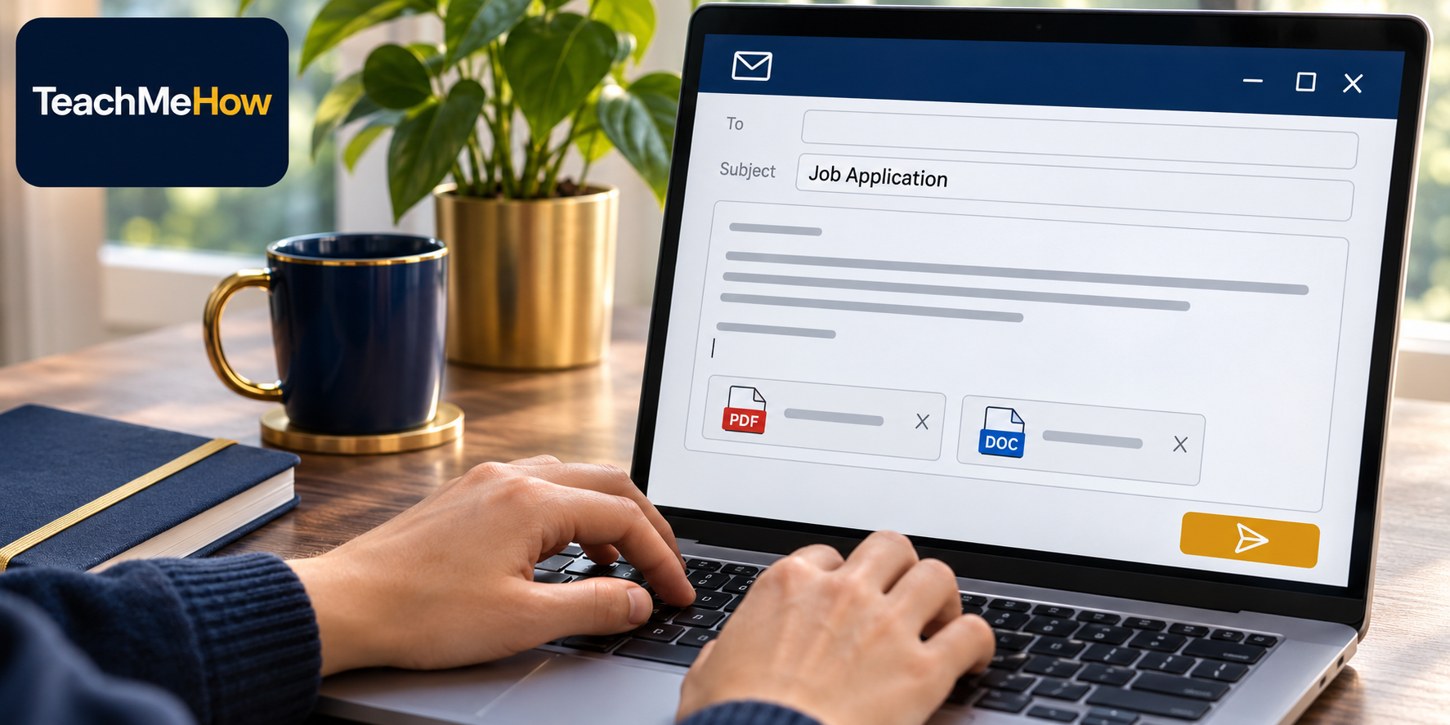
Decide what belongs in the email body, name your attachments, check the files, and correct a missing attachment with a short follow-up.
Follow these steps at your own pace. Check product terms and prices directly with providers before purchasing.
Quick answer
Follow the posting’s delivery instructions first. If it asks for a cover letter in the email body, paste the letter there and attach the resume. If it asks for both documents as attachments, write a brief email identifying the opening and the enclosed files.
Decide where each document goes
| Employer’s instruction | What to send |
|---|---|
| “Paste your cover letter in the email” | Use the salutation, letter paragraphs, and signature in the body. Attach the resume in the requested format. |
| “Attach a resume and cover letter” | Attach two clearly named files and write a short transmittal email. |
| “Submit one PDF” | Combine the materials in the requested order. Open the combined file and check every page. |
| “Apply through our portal” | Use the specified upload fields. Send a separate email only when requested. |
Write a subject the recipient can identify
Copy any required subject line exactly. Otherwise include the job title, requisition number if available, and your name. For example, “Operations Assistant (Req 214) – Morgan Lee.” Use a monitored reply address and confirm the recipient against the original posting.
Example when both documents are attached
Dear Hiring Team,
Please consider my application for the Operations Assistant opening, requisition 214. I have attached my resume and cover letter. I would welcome the opportunity to discuss my experience coordinating inventory handoffs.
Thank you,
Morgan Lee
Check the actual attachments
- Name files so they remain identifiable after download, such as Morgan-Lee-Resume.pdf and Morgan-Lee-Cover-Letter.pdf. Use the requested file type.
- Open the attached copies from the draft when your email app allows it. Check the employer name, job title, page breaks, and final page. Remove tracked changes, comments, and placeholder text from the source before exporting.
- For a pasted letter, check for missing blank lines and an extra automatic signature. If using a link is explicitly permitted, test recipient access without being signed in as the owner.
- Read the To field and subject one last time. Keep the sent message and a copy of the posting so you can identify the exact application later.
Correct a missing or incorrect attachment
Reply in the same thread promptly and identify the replacement clearly. For example, “Please use the attached Morgan-Lee-Resume.pdf for requisition 214. My earlier email omitted the resume. Thank you.” If the original message bounced, verify the address or size limit before sending again.
Choose the right version before you attach it
Use your resume tailored to this job description. If you are starting out, check your internship cover letter with no work experience. If you are moving fields, check the evidence in your career change cover letter. If a recruiter requested the documents at a booth, follow up after the career fair with the role and the detail you discussed.
Comments
Comments are reviewed before they become public.
Sign in with Google to leave a comment.
Sign in with GoogleNo approved comments yet. Be the first to start the discussion.