How to Create Three UGC Video Hooks From One Brand Brief
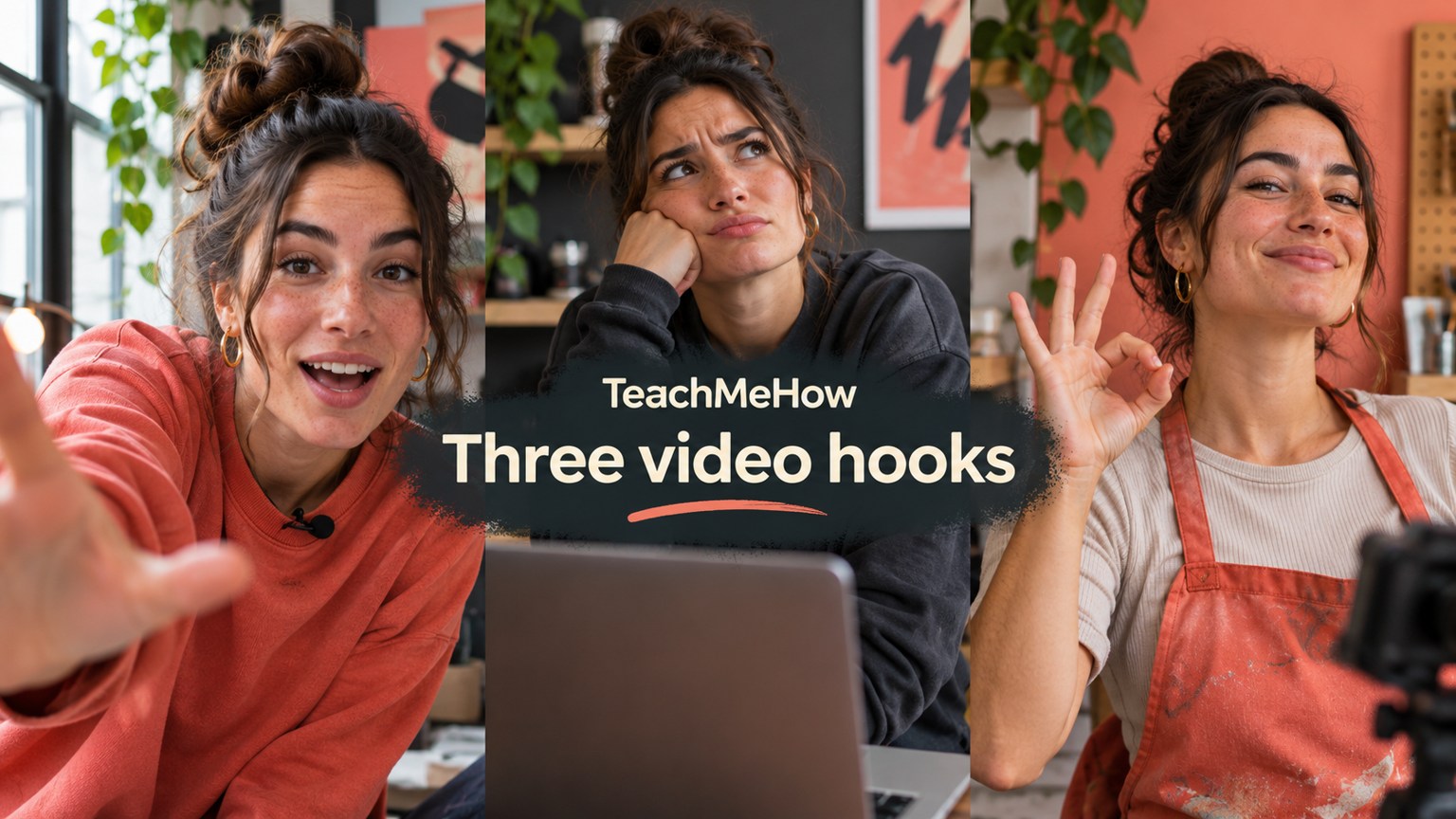
Create question, action, and result openings for one video, keep the rest comparable, and give the brand a clean way to review them.
Follow these steps at your own pace. Check product terms and prices directly with providers before purchasing.
Quick answer
Write three openings that lead into the same demonstration. Change the first idea the viewer encounters, then hold the product, main edit, offer, and closing action steady. Give each opening a descriptive name so the client knows what it is comparing.
Choose one problem the main footage really answers
A hook is the first thing a viewer sees or hears that gives them a reason to keep watching. Start with what your video can deliver. If the main footage shows whether one lunch box fits in a medium tote, an opening about keeping food cold creates an expectation the rest of the video cannot satisfy. Write the promise of the body in a single sentence before making alternate hooks.
Agree how many complete exports the client wants. Sometimes “three hooks” means three opening clips for an editor. Sometimes it means three finished captioned videos. Those are different delivery jobs. Note the opening length, the frame where the shared body starts, and whether the alternate first lines need separate voiceover recordings. Put the answers in the creative brief.
Three openings for the same demonstration
| Opening | First image and words | Why someone might stay |
|---|---|---|
| Question | Hold the rectangular box beside the tote. “Does this lunch box have to go in sideways?” | Invites the viewer to see the answer. |
| Action | Start as the hands open the tote. “Watch the corners as this goes in.” | Directs attention to the detail that determines fit. |
| Result | Show the packed, closed bag. “Here’s what I packed in this medium tote.” | Reveals the outcome and leaves the process to explain. |
For the question version, start the shared body by identifying the box and the tote. For the action version, make sure the next frame still shows the box outside the bag. For the result version, a quick cut back to the empty tote signals that you are showing how you got there. You can use a short transition inside the opening if needed. Keep the approved body and ending identical after that transition.
Review the first few seconds in isolation
Mute each opening. Can a viewer identify the object and the action without a caption paragraph? Then listen with the screen turned away. A line like “You need this” could introduce almost any product. Naming the object or the practical problem makes the promise easier to evaluate. Read the first caption long enough to understand it on an ordinary phone.
Play the full cut and look for duplicate information. If the hook asks whether the box fits and the body immediately asks the same question again, replace the repeated body line in all versions with the demonstration. Do not quietly improve only one version’s captions, music, and close while attributing any later difference to the opening alone.
Hand over a comparison the brand can interpret
Label the videos Question, Action, and Result. Record the one-sentence hypothesis for each in your delivery note. For example, the action opening may help viewers recognize the problem sooner. Ask the brand what it plans to compare and whether it will be able to share the result. Views from posts published at different times to different audiences do not isolate the effect of the hook. Treat them as observations unless the brand ran a suitably controlled comparison.
If a client says one opening feels strongest but has no performance data, record it as an editorial preference. That still informs the next script. Use the handoff manifest to identify which files are approved, and keep a copy of the shared product-demo script so a future change can be applied consistently.
Comments
Comments are reviewed before they become public.
Sign in with Google to leave a comment.
Sign in with GoogleNo approved comments yet. Be the first to start the discussion.