How to Calculate a Running Balance in Google Sheets
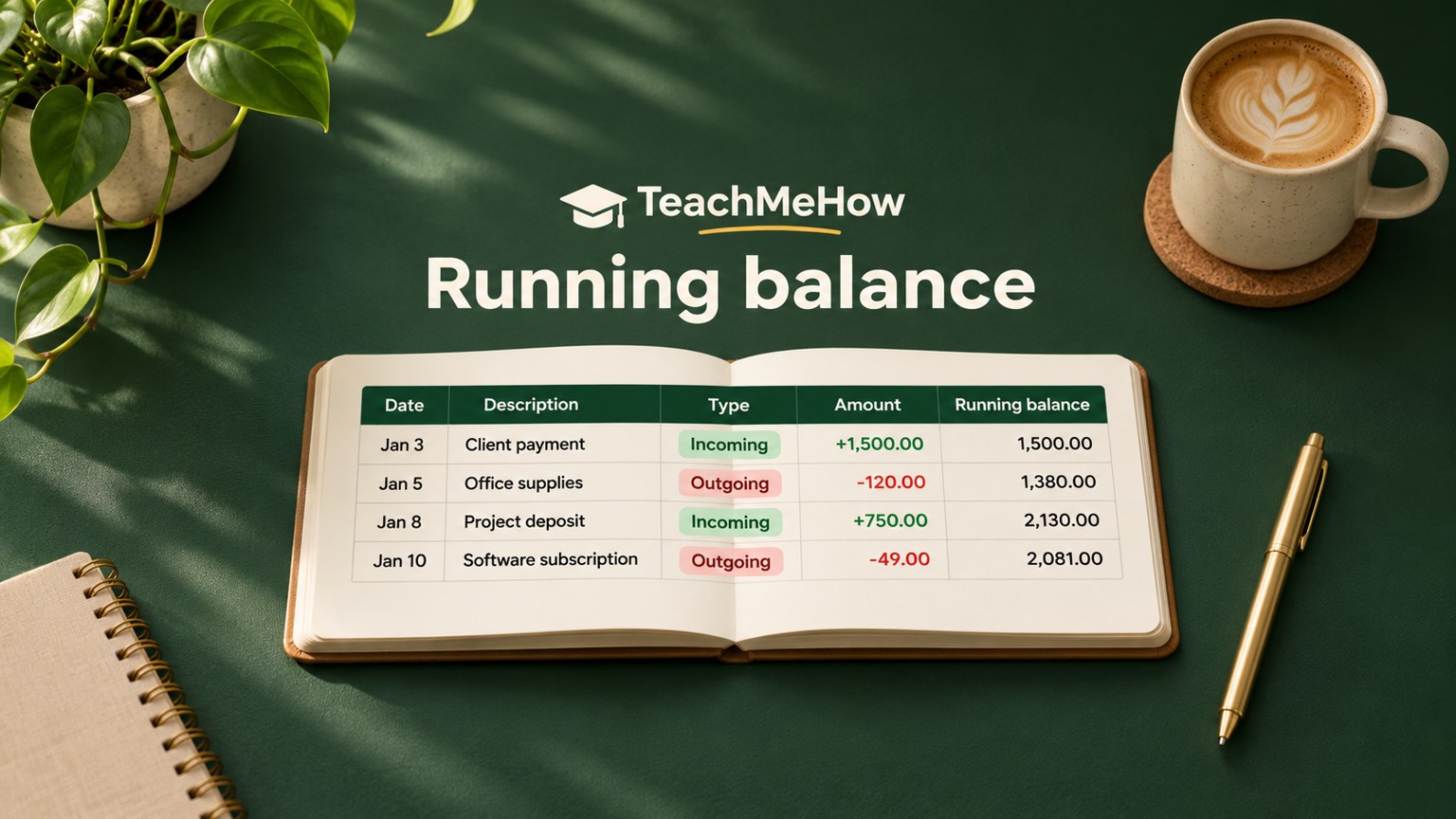
Start a ledger with an opening balance, add deposits and withdrawals in order, and check the ending balance against an independent total.
Follow these steps at your own pace. Check product terms and prices directly with providers before purchasing.
Quick answer
Start with an opening balance, add deposits through the current row, and subtract withdrawals through that row. Anchor the first cell of each SUM range and leave its last cell relative so the range expands as you fill down.
Build a ledger with separate money-in and money-out columns
- Set A1:D1 to Date, Deposit, Withdrawal, and Balance. Put Opening balance in F1 and 100 in F2. Enter each transaction on its own dated row, oldest first.
- In row 2 enter a date and a deposit of 25. In row 3 enter the next date and a withdrawal of 10. Record withdrawals as positive amounts in C because the formula already subtracts that column.
- In D2 enter
=IF(A2="","",$F$2+SUM($B$2:B2)-SUM($C$2:C2)). Copy D2 down. The first two balances should be 125 and 115. The date check leaves unused rows blank. - Check the final figure independently. In G2 enter
=$F$2+SUM(B2:B)-SUM(C2:C). Compare it with the last dated row’s balance. In this example both should be 115.
Why the balance changes after a sort
Each line shows the balance at that point in the displayed sequence. Keep the entire transaction row together during a sort and preserve the order of entries on the same date. A transaction ID or timestamp can settle ties. After rearranging entries, refill the balance formula from the top and reconcile again.
If the balance rises on a withdrawal, check for a negative amount entered in C. If the closing check includes a transaction missing from the visible ledger, look for an amount on a row without a date. In a shared file, protect the balance formula column while leaving the input columns editable. For a report that deliberately totals just the visible rows, use a filter-aware subtotal.
Comments
Comments are reviewed before they become public.
Sign in with Google to leave a comment.
Sign in with GoogleNo approved comments yet. Be the first to start the discussion.